

Getting started
Your dashboard at a glance
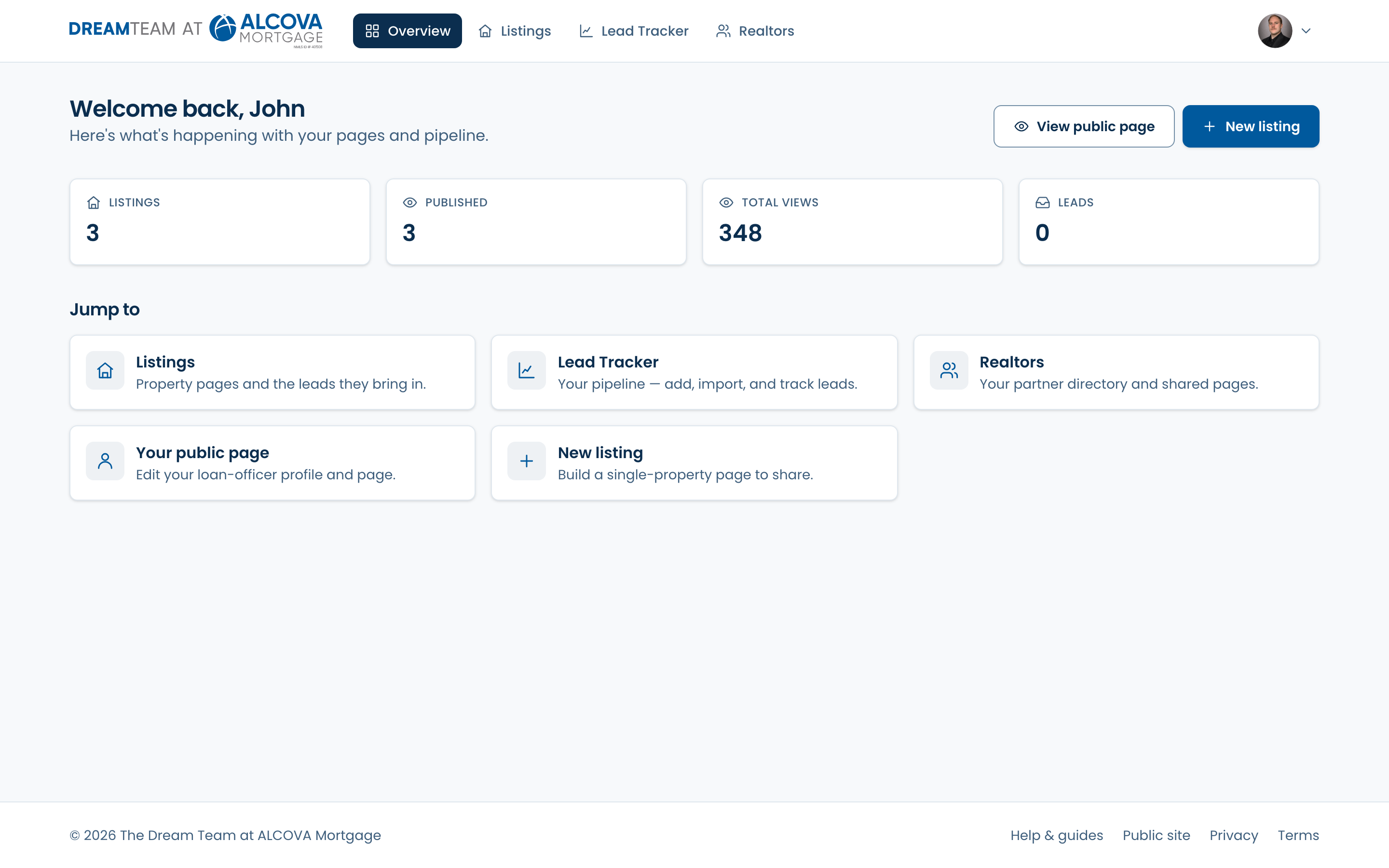
The Overview screen: what needs attention, your headline stats, and quick links into everything else.
Overview is your home screen. Clicking the Dream Team logo in the top-left always brings you back here. It opens on a snapshot of your work so you know what to do next.
Needs attention
When there's something worth doing right now, a “Needs attention” card lists it at the top — new leads to follow up on, drafts you haven't published, pages with no photos yet, and pages waiting on a realtor's approval. Each item is a link that takes you straight to the fix.
Your stats
A row of four cards totals your Listings, Published pages, Total views, and Leads. Admins see the whole team's numbers here instead of just their own.
Jump to
The “Jump to” cards are shortcuts into the rest of the dashboard: All listings, Lead Tracker, Realtors, your public page, and (for admins) Admin. The “New listing” button in the top-right starts a brand-new property page any time.