

Listings
Create a listing
Start a single-property page with the guided, story-first builder.
A listing is a single-property page you share with buyers and your realtor partner. Click “New listing” anywhere in the dashboard to open the guided builder, which walks you through three steps: Property story, Details & team, and Review & publish.
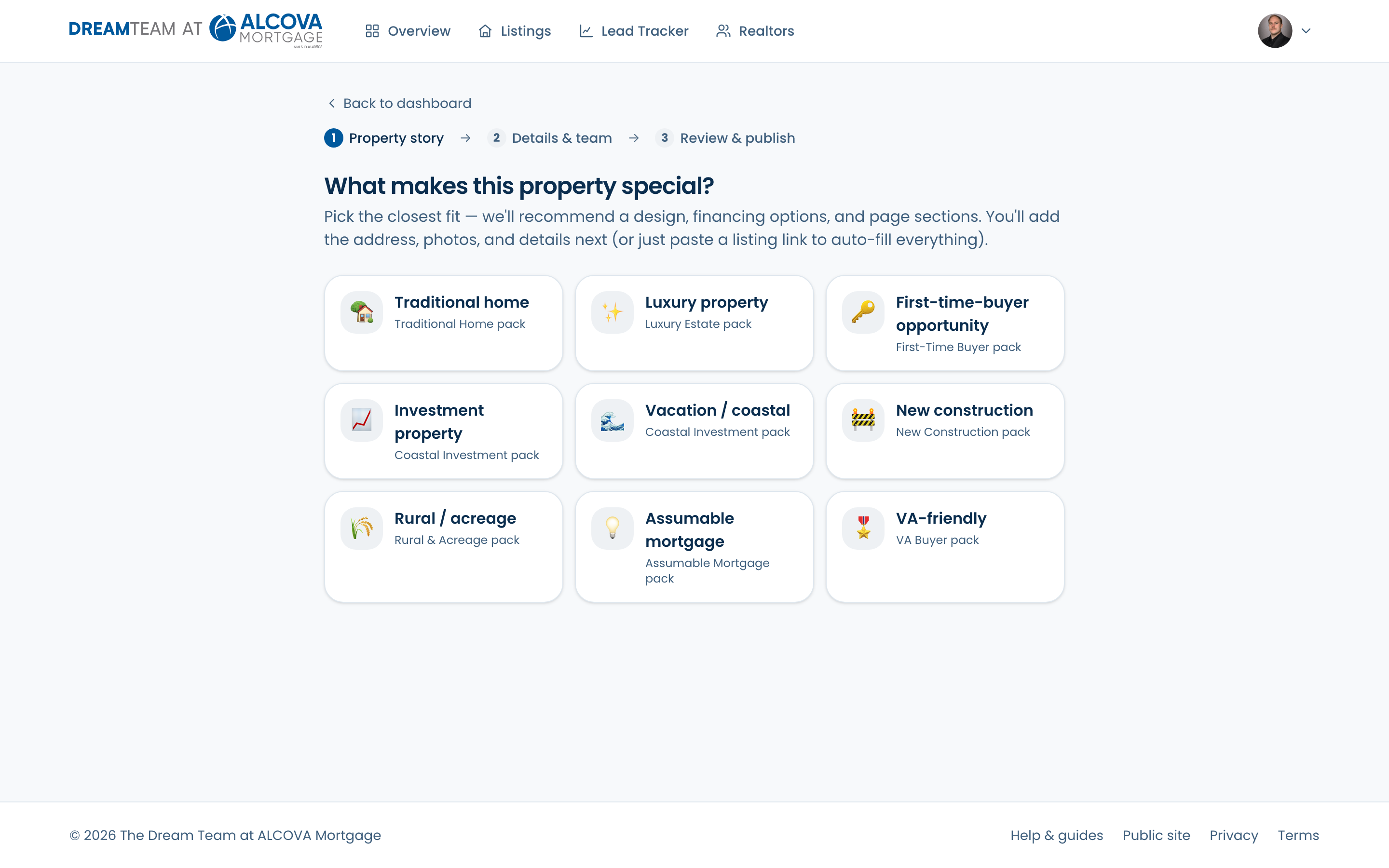
Step 1 — pick the property's story
First you choose what makes this property special — Traditional home, Luxury property, First-time-buyer opportunity, Investment property, Vacation / coastal, New construction, Rural / acreage, Assumable mortgage, or VA-friendly. Your pick recommends a design, the financing options to feature, and the right page sections. You can change it later with “Change story.”
Step 2 — add the details
- 1Paste a Redfin listing link to auto-fill the address, facts, and photos (see “Import from a link”), or type the details in by hand.
- 2Fill in the address, price, and property facts. Add at least one photo — the first photo is the cover image.
- 3Write a factual headline and description. Specific, verifiable details beat slogans.
- 4Optionally attach a co-marketing realtor from your Realtors list.
Step 3 — publish
Set the Status to “Published” and save. If anything required is missing, the page is saved as a draft and a short checklist shows you exactly what to finish.